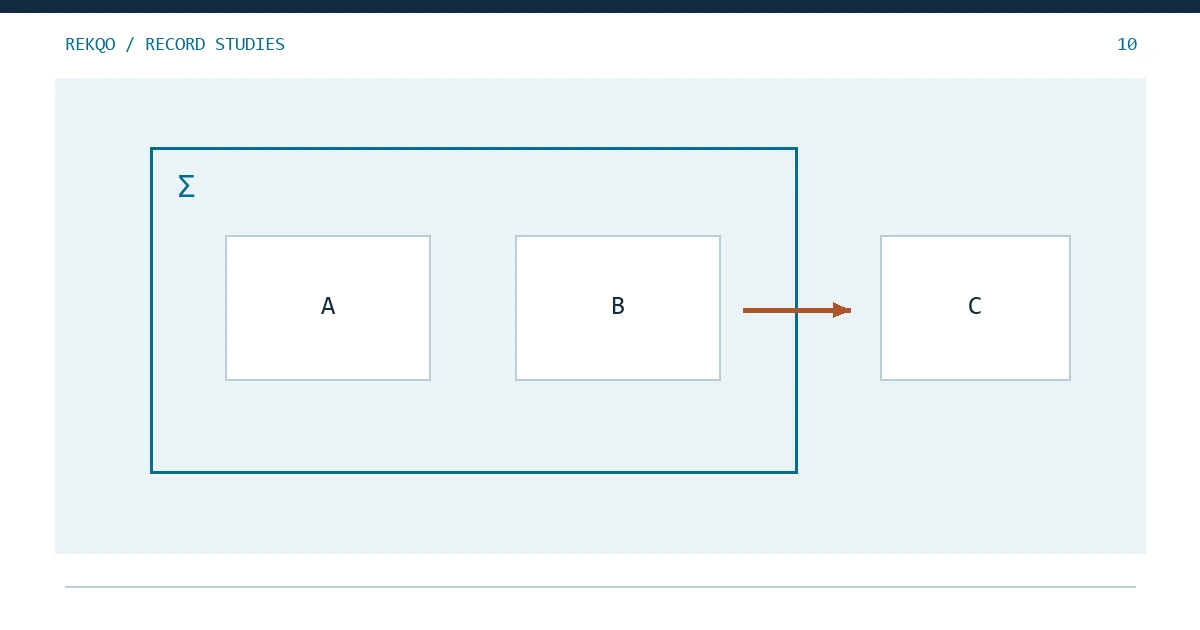
Every month-end total means something only alongside the list of accounts it covers. Before comparing two figures, write down the wallets behind each one: Spot, Funding, any sub-accounts, any external wallet. When two reports disagree, the gap is often a wallet that only one of them includes, so both numbers can be correct; a worked example with fictional numbers appears further down.
A sentence above your month-end worksheet is enough to start: “This check includes Spot and Funding; my external wallet is excluded.” That choice affects which balances to add and whether a transfer stays within the accounts you are checking. Two files downloaded through the same Binance login may still include different wallets or activities.
This checklist concerns records you actually have. Available accounts and products depend on eligibility and current service conditions; listing a category is not a recommendation to open or use it.
Separate the login identity from the wallet scope
Once signed in, check the export selections. Spot, Funding, and other products may have separate histories or filters. Make sure the file includes the wallets you intend to check this month.
Give each account a name you recognize, such as “Personal account A,” and list the wallets or services used beneath it. Keep the real account identifier in a private reference file. The nickname can then appear in everyday worksheets and shared filenames without exposing the full identifier.
If you have sub-accounts, give each its own entry and note whether you have the records. Binance's account statement instructions describe different master-account and sub-account visibility; what you can retrieve depends on your actual permissions. Where access is missing, leave a task to obtain the records. A zero would imply you had checked the quantity.
Build an explicit coverage checklist
| Scope | Used this period? | Evidence status | Included? |
|---|---|---|---|
| Main account Spot | Confirm from records | Not yet checked | Decide explicitly |
| Funding wallet | Confirm from records | Not yet checked | Decide explicitly |
| Other used products | List actual use | Record separately | Explain each scope |
| Sub-accounts | List existing aliases | Check availability | State the boundary |
| External wallets | List if relevant | Separate sources | May be excluded with a note |
Three short status labels make the checklist easier to pick up later:
- “Not used” for a service you did not use.
- “Checked; no activity” when you have reviewed the relevant period and found none.
- “Unchecked” when there is still work to do. Add the missing file or next step beside it.
For each wallet you include, find the opening quantity, the month's movements, and the closing quantity. You can list a wallet before all three are available; just keep its check marked as unfinished.
Why inspect zero-balance accounts?
A zero closing balance does not mean no activity occurred. An account can receive and send the same quantity during the period.
Fictional wallet A opens at zero, receives 100 units, then sends all 100 before month-end. Ignoring it because it closes at zero loses the route through which the assets moved. That omission can also break transfer pairing with other included wallets.
Think back to any wallet or product you used briefly, then look for its records. If you check a month and find no activity, note the dates and file you reviewed. Next time, you will know that the empty entry has already been investigated.
Can complex products use a simple wallet formula?
Borrowing brings a second part to the calculation: the amount owed. A borrowed asset may increase the asset balance while a liability also arises. Adding only the assets leaves that obligation out of the picture.
A basic wallet calculation can help track quantities, but it does not fully explain equity in accounts with borrowing, interest, margin, or unsettled positions. Keep those product reports and their field explanations separately. REKQO's manual check does not interpret complex equity automatically; leave unfamiliar entries unresolved until you can confirm their meaning, with appropriate expert help if needed.
Should external wallets be included?
It depends on what you want to check. For a Binance-only ledger, leave external wallets out and identify transfers to and from them. To check your holdings more widely, you will need their records too, using dates and asset units that can be compared.
Your external wallet's history is separate from a Binance export, even when both belong to you. Before adding the wallet, find its records for the required period. A balance screenshot helps establish a quantity at one moment; it does not explain how the assets arrived.
A label such as “received from my excluded wallet” is useful when that is what the records show. If you add that wallet later, you can revisit the classification. The receipt alone does not establish personal income.
How are holdings across locations combined?
Check each wallet separately before adding its quantity to the others. Confirm that all the quantities refer to the same asset, and keep the individual wallet balances beside the total.
In a fictional example, Spot holds 60 units of one asset, Funding holds 25, and an external wallet holds 15 of that same asset. Including just Spot and Funding gives 85 units; including all three gives 100. The extra 15 comes from adding a wallet to the calculation.
Similar names or symbols do not always establish identical assets. Keep the original asset names and codes, and check any renamed or migrated asset before treating two entries as the same asset. Compare source precision before attributing a displayed difference to missing activity.
How should time boundaries align?
Write the actual observation time beside each balance. A month-end statement and the balance currently shown in an app may be hours or days apart. Keep the original timestamps, with any time conversion in a separate column.
Suppose one wallet's balance is from month-end and another's is from the following afternoon. Look for activity between those times before combining them. If those records are unavailable, show the results separately and explain the timing difference. Giving both rows the same date label would leave the missing hours unexplained.
What happens when scope expands?
Keep the old worksheet and start a new version naming the accounts you are adding. Find their opening quantities and check transfers between them and the wallets already in your ledger.
If the ledger previously included only Spot, adding Funding brings in that wallet's starting balance. Find a record for the opening quantity and note when you added the wallet. Its existing assets are not automatically this month's income.
To compare months, you can add Funding's earlier records to the older worksheets too, or keep the old results and explain the difference. Add that explanation to any chart so readers can distinguish a newly included wallet from investment performance.
What should remain when scope shrinks?
Write “Wallet B excluded from this month onward” above the new worksheet. Keep its last checked result and earlier files so you can still answer questions about past activity.
Bring any unfinished questions into your task list: which transfer is unpaired, or which dates still need records? Excluding the wallet from the new total does not resolve those questions. Explain the change when comparing months, and continue to document actual outflows separately; a smaller total may reflect the removed wallet as well as activity.
What does an “All” export selection cover?
Look at the label beside “All.” Selecting all assets still leaves the account, dates, and activity types to check. Save those choices in a short note or private screenshot before downloading.
Then try finding a known event from a wallet or product you use less often. If it is absent, check the filters and report description. A filename such as “all-history” is less useful later than the actual selections that produced the file.
How do you present an incomplete result?
Save the work you have finished and say what remains. For example:
Spot checked for this month. Funding still needs a month-end balance. External wallets were not included.
Beside each open task, name the account, dates, report, and affected asset. Even without a complete combined total, you have a usable result and a clear place to resume. Blank cells and unexplained zeros would lose that distinction.
How does one transfer change meaning across scopes?
Consider a fictional same-asset example with no fee: Spot opens at 80 units and Funding at 20. During the month, 15 moves from Spot to Funding, with both records verified. The closings are 65 and 35.
| Version | Opening | Flow across boundary | Closing |
|---|---|---|---|
| Spot only | 80 | 15 outgoing | 65 |
| Spot and Funding | 100 | 0 net external flow | 100 |
For Spot alone, “outside scope” does not mean sold, spent, or no longer owned. For the combined scope, counting the same 15 as external expenditure would create an artificial gap.
There is one more record to find: Funding's receipt of the 15 units. Its closing balance of 35 alone does not confirm that transfer. If the incoming detail is missing, save the checked Spot result and leave the combined check pending. Keep the source and destination account names on each movement so you can reconsider its classification later without editing the original download.
The no-fee condition is an example assumption, not a rule for real transfers. If the endpoints differ, investigate documented fees, precision, or status before applying this illustration.
Which final questions confirm the boundary?
- Are the opening quantities, movements, and closing quantities for the same accounts and assets?
- Are both wallets involved in each internal transfer included?
- Can you distinguish missing records from periods you checked and found no activity?
- Have you explained any changes in accounts or observation times since last month?
If any answer is unclear, return to the account checklist and write the missing file or explanation beside that wallet. Once you know what belongs in the total, checking the calculation becomes much easier.