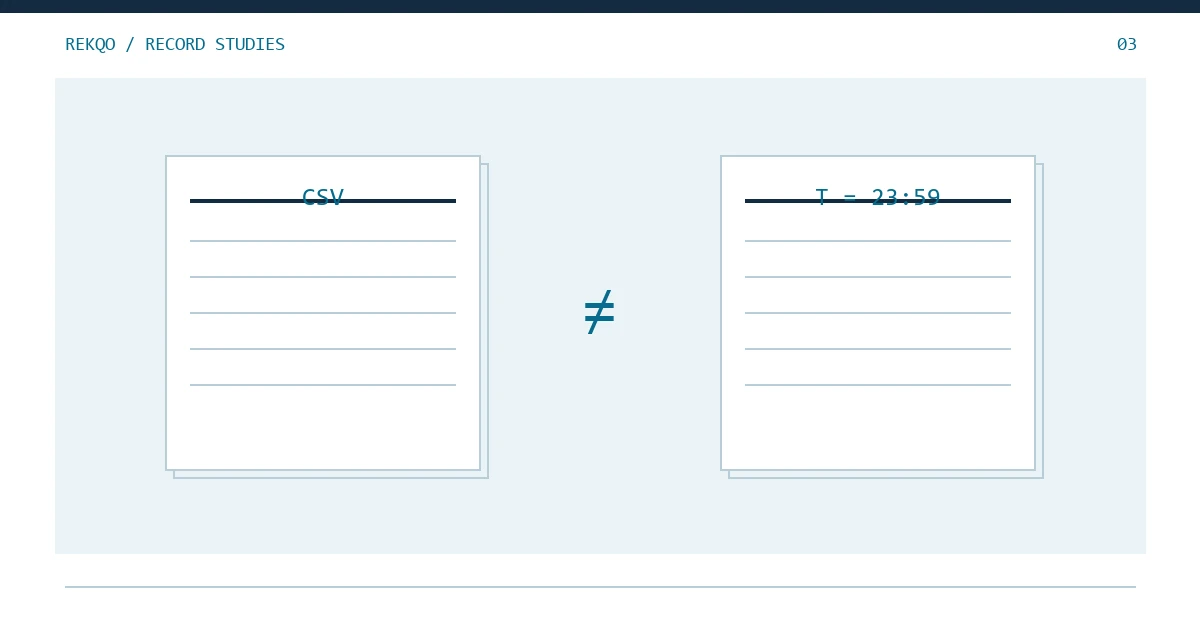
Use an account statement to examine holdings at a date; use activity records to explain how quantities changed. A Binance account snapshot and a transaction history serve different questions. They often work best together, rather than as substitutes.
Choose the source by the question
| Question | Starting source | Additional check |
|---|---|---|
| What was held on a date? | Account statement for that date | Included accounts and wallets |
| Why did quantities change? | Relevant activity or asset movement history | Period, time zone, and activity coverage |
| How was a purchase executed? | Appropriate order and trade detail | One order may have multiple details |
| Does month-end reconcile? | Opening and closing observations plus movements | Consistent scope across all sources |
A report's page count, filename, or formal appearance does not establish that it answers your question. Define the task before choosing whichever file is easiest to obtain.
What can an account statement establish?
It can provide a view of the selected account and wallet holdings at the selected date. The Binance instructions checked for this article describe an account snapshot with account, wallet, and valuation selections. Available options remain subject to the current account interface.
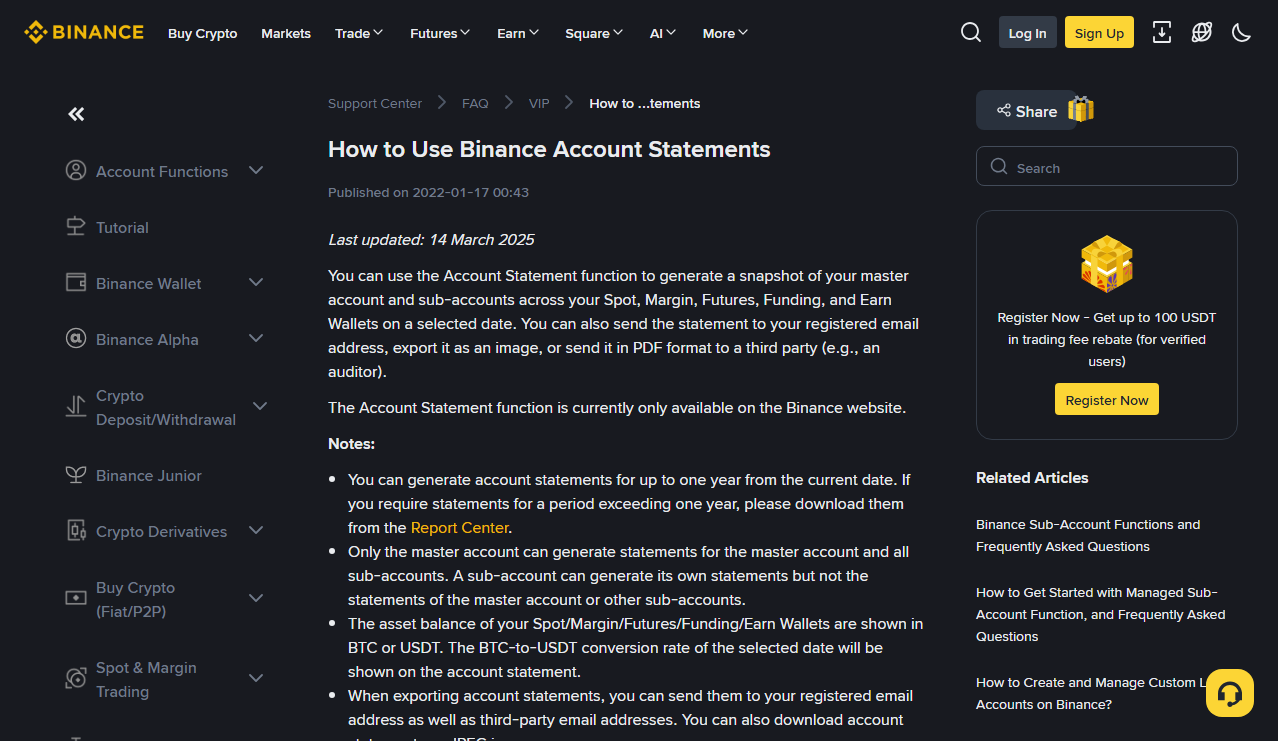
A snapshot is useful as an opening or closing reference. It normally does not explain every movement between those points. Two observations show that the state changed; detailed activity is needed to explain the path.
Distinguish quantities from estimated values. A valuation depends on its currency and conversion time. It is not a guaranteed executable amount, and comparing it with another date's valuation does not by itself calculate profit. Where smaller holdings are grouped, confirm that the version you obtained is suitable for asset-by-asset checks.
What does history add?
History explains activity during a period, subject to the particular report's coverage. Trade detail, order summaries, and asset changes have different levels of detail.
In a fictional purchase, 100 units of asset A are paid and 2 units of B received. An order report may describe execution and status; an asset report needs to explain the reduction in A and increase in B, with any supported fee treatment. Counting the order's 2 units and the asset receipt's 2 units as separate additions would duplicate the same event.
Assign a primary source for quantity calculations and use other detail to explain it. Preserve the relationship so that evidence remains complete without counting every report as new activity.
How do snapshots and movements connect?
Align accounts, times, and asset units before calculating. An opening observation, activity period, and closing observation must refer to the same scope.
Fictional example: an asset opens at 50, receives 12, and sends 7, with fees already included in that outgoing quantity. Expected closing is 55. A matching snapshot closes the quantity calculation, but internal transfer classifications and event coverage still need review.
If the snapshot says 54, keep actual 54, expected 55, and the difference separately. Investigate omitted activity, time boundaries, and account filters. Do not edit the snapshot value to match your calculation.
Why can matching totals still hide errors?
Errors can offset. Omitting both a 10-unit receipt and a 10-unit payment leaves the closing quantity unchanged while the history remains incomplete.
Sample known events across dates and categories you actually used, especially boundary activity, transfers, conversions, and fees. Sampling is not a guarantee, but it can reveal omissions invisible in the ending total.
A mismatch also does not automatically mean assets were lost. A Spot-only activity report and a wider account snapshot can disagree because of coverage alone. Separate the observed difference from a conclusion about its cause.
Which document should you share?
Ask whether the recipient needs a dated position, period movements, or evidence of one issue. Clarify scope, dates, format, and purpose before sending more private information than necessary.
Keep complete private originals separate from shared copies. Redact irrelevant identifiers without altering quantities or dates material to the question. Add a scope note explaining what the document includes and excludes.
For legal, tax, or formal accounting uses, let the relevant qualified professional confirm the required evidence. This guide helps organize records; it does not certify that a platform report satisfies every jurisdiction or purpose.
What notes should accompany the files?
Record the report type, selected date or period, account and wallet scope, valuation currency, time basis, and retrieval date. Note what you use it for: opening evidence, closing evidence, calculation source, or supporting explanation.
Files downloaded on the same day may cover different activity periods. When retrieving a new version, preserve the old one and document replacement rather than adding both to a calculation.
If you add analysis fields, label them as your own classifications or calculations. Do not create an apparently official column to conceal missing source information.
Can you begin with only a screenshot?
Yes, as limited evidence rather than a complete history. Record its time, visible scope, and information, then obtain the movements and opening reference needed.
A tightly cropped total may omit currency, account category, or asset composition. Memory can guide retrieval, but it should not be rewritten as verified evidence. If older records are unavailable, establish a later reliable starting point and mark the earlier history as unreconciled.
What does a useful month-end package contain?
Connect opening evidence, period movements, closing evidence, and unresolved items through one scope index. List the files used in your calculations first and identify supporting files that do not add quantities.
For example, a conversion detail might be marked “explains two asset-history rows; not counted again.” A replacement file should identify what it supersedes and why. The relationships make the archive useful, not the number of documents.
Check both directions: trace one result back to its sources, then select an original activity and find it in the working analysis. Keep any broken links on the issue list.
How should zeros and blanks be interpreted?
A zero is a displayed result; a blank may mean unavailable, inapplicable, excluded, or unsuccessfully read. Consult the field and scope before replacing blanks with zeros.
An account omitted from a report is not thereby a zero-balance account. A value your software failed to read is not evidence that the platform supplied no value. Use clear statuses such as “excluded” and “not verified” in readable results, so later readers know whether to check coverage or obtain missing data.